



👇 Watch a quick video 👇
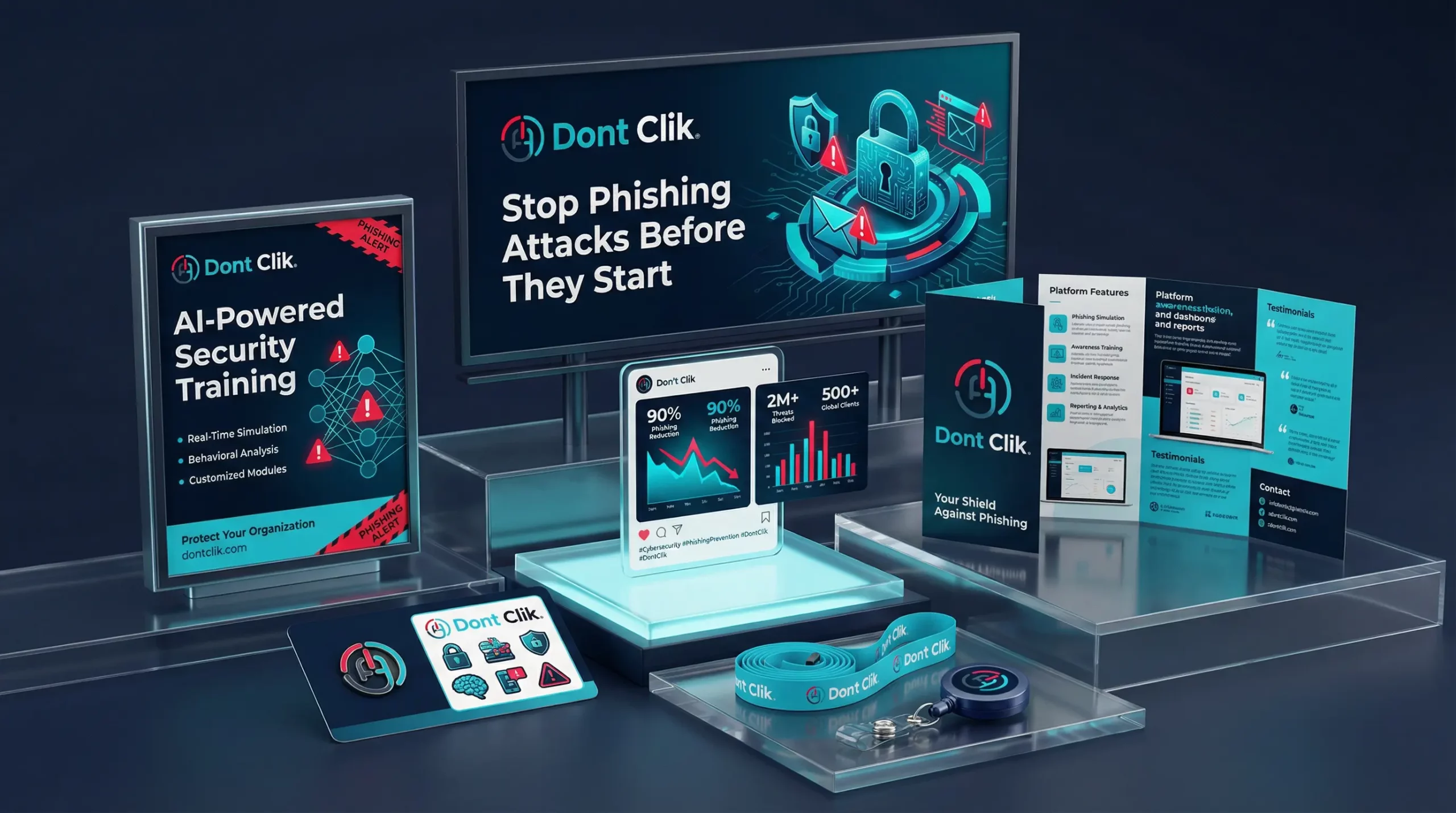
Your biggest security risk isn’t your firewall
Cybercriminals don’t hack systems — they hack people. Phishing remains the #1 attack vector because it works. Static security training doesn’t. Generic phishing templates get ignored. Employees click without thinking.
Don’t Clik changes the equation. (Yes, we spelled it wrong on purpose — but real phishing emails won’t be this obvious.) Our AI generates unique, context-aware phishing simulations tailored to your organization’s specific departments, roles, and communication patterns. Every email is different. Every campaign is harder to spot. Your team learns by doing — and the lessons stick.
Core technology
Realistic, AI-powered simulations
Don’t Clik moves beyond static templates to create unique, context-aware phishing emails that adapt to your specific business needs.
Define your departments with detailed characteristics — what they do, who they communicate with, what tools they use. The AI takes this context and crafts convincing phishing emails that look like they belong. Each employee receives a different message. Each campaign tests a different angle.
The result? Simulations that mirror real-world attacks, not obvious fakes that teach employees nothing.
Department context
AI uses your department descriptions to personalize every email
Multi-language support
Generate phishing simulations in any language your organization uses
Email preview
View the exact email each employee received — full transparency for analysis
Topic-based generation
Set the theme (password reset, security audit, invoice) and let AI do the rest
Unique feature
The Phishing Report Button
The feature others said was “impossible to build.”
An add-in that integrates directly with Don’t Clik to track reporting behavior — not just clicks. Install once as admin, deploy to all employees automatically within 48 hours.
Integrated report button for suspicious email:
Campaign Email
✓ Email moved to deleted items
✓ User notified it was a simulation
✓ Action logged in campaign statistics
✓ Positive behavior reinforced
Real Suspicious Email
✓ Original email forwarded to IT team as attachment
✓ User notified their report was received
✓ Potential threat flagged for analysis
✓ Security team alerted in real-time
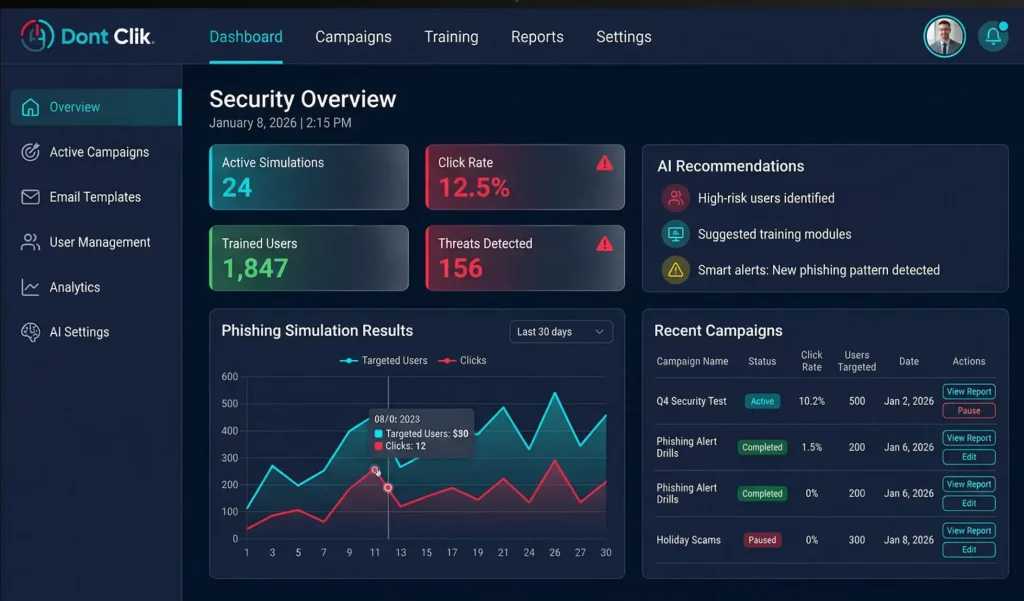
Actionable insights
Data dashboard with drill-down filters
Track and analyze user behavior across all campaigns in a single, interactive dashboard. Monitor clicks, reports, and identify your most vulnerable departments with a single glance.
New feature coming soon
QIdentity — Prove your emails are real
Phishing works because anyone can fake a sender. QIdentity fixes that. Every email your organization sends gets cryptographically signed with bank-grade ECDSA P-256 encryption. Recipients scan a QR code in the signature and instantly verify: real sender, unaltered content, guaranteed authentic. No plugins, no training, no change in how your team works. If even one character is tampered with — verification fails.
Don’t Clik trains your team to spot fake emails. QIdentity proves yours are real.
Don’t let them CLIK
One satisfying click. One satisfying mistake. Find out how your organization would handle a real phishing attack — without the real consequences. Book a demo and see why the missing “C” makes all the difference.